01
One timer per panel
The secondary can rest while the primary stays active. Less glare, less leftover chrome.
 Multi-Monitor Screensaver
RGCSOFTNET · Windows
This page explains per-display idle, which scene fits your desk, and what to do in the first minutes after installing from Microsoft Store.
Published app · ID 9NG54Q5V47GM
Why it matters
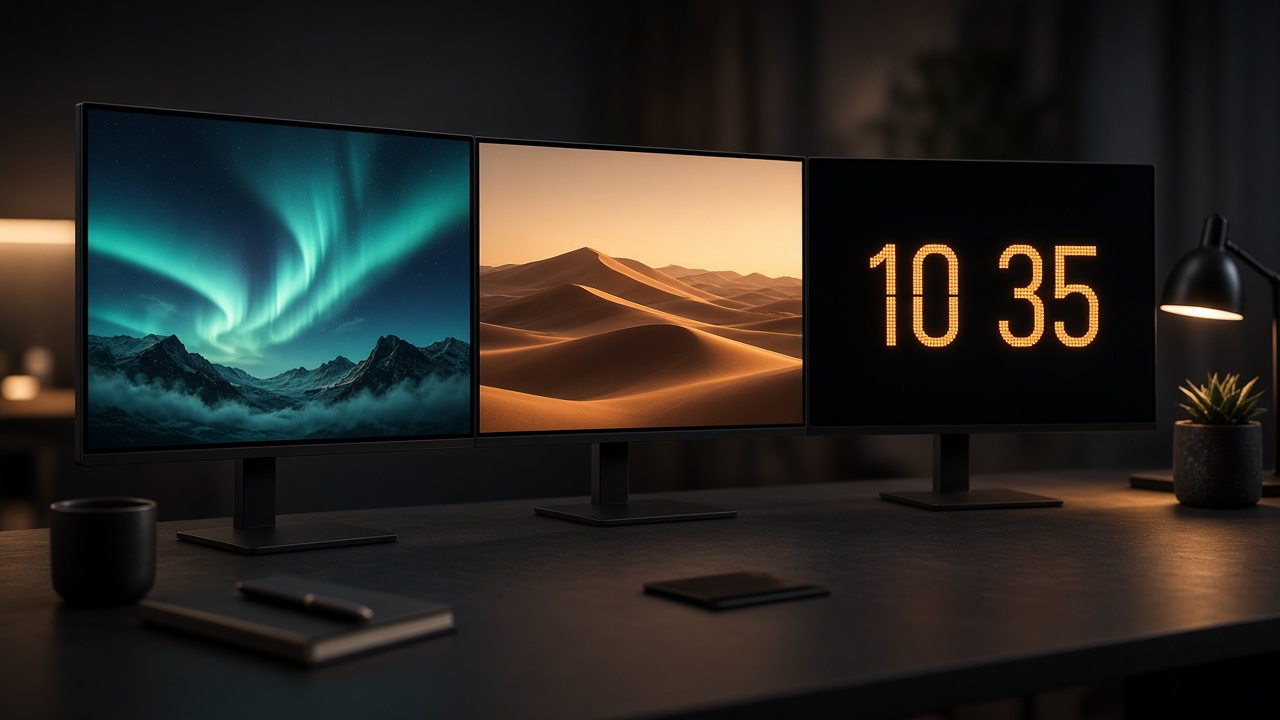
On two or three displays, typing on one should not freeze the others into the same wallpaper. The point is separate clocks and separate scenes.
The secondary can rest while the primary stays active. Less glare, less leftover chrome.
Space or photos for mood, a clock for glanceable time, black for OLED rest, .scr for classic motion.
Configure, close the panel to the tray, and keep working. The Store listing describes the product; this page helps you use it.
Real desks
Pick a scene
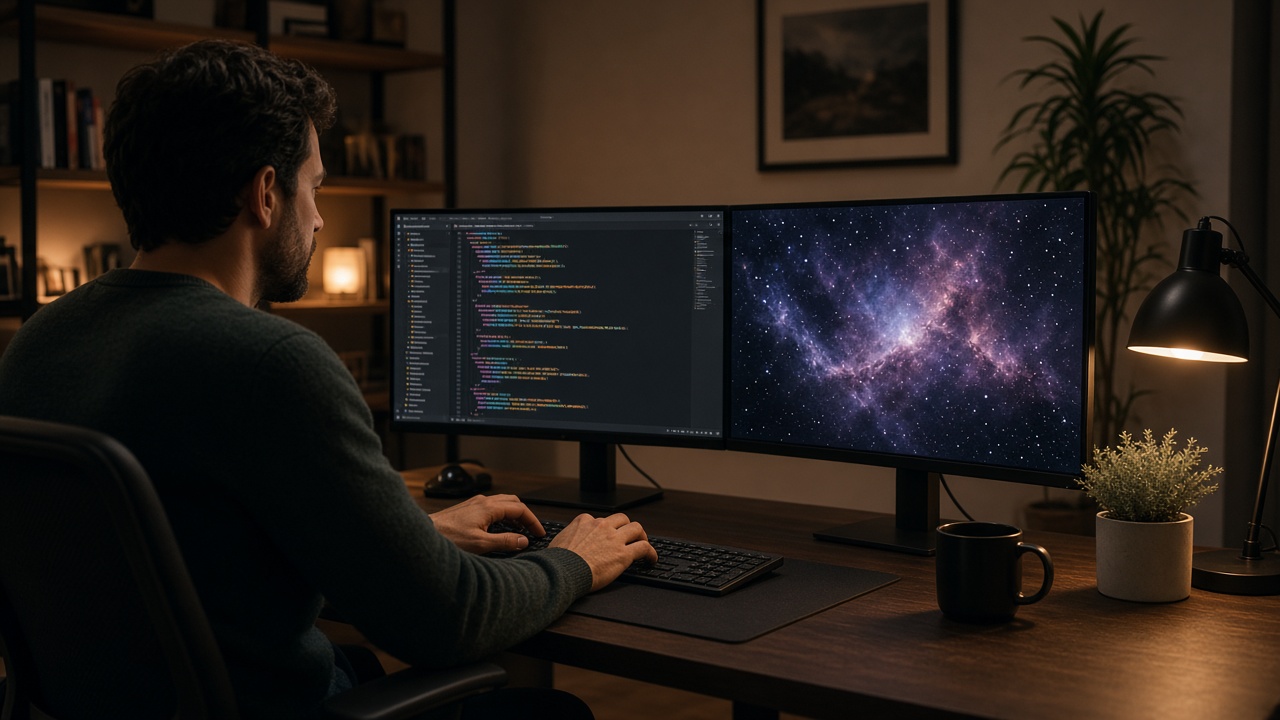
You do not need every mode. Start with one “decorative” display and leave the rest black or off.

NASA or widescreen art when you have network. First download caches so you are not hammering the API.
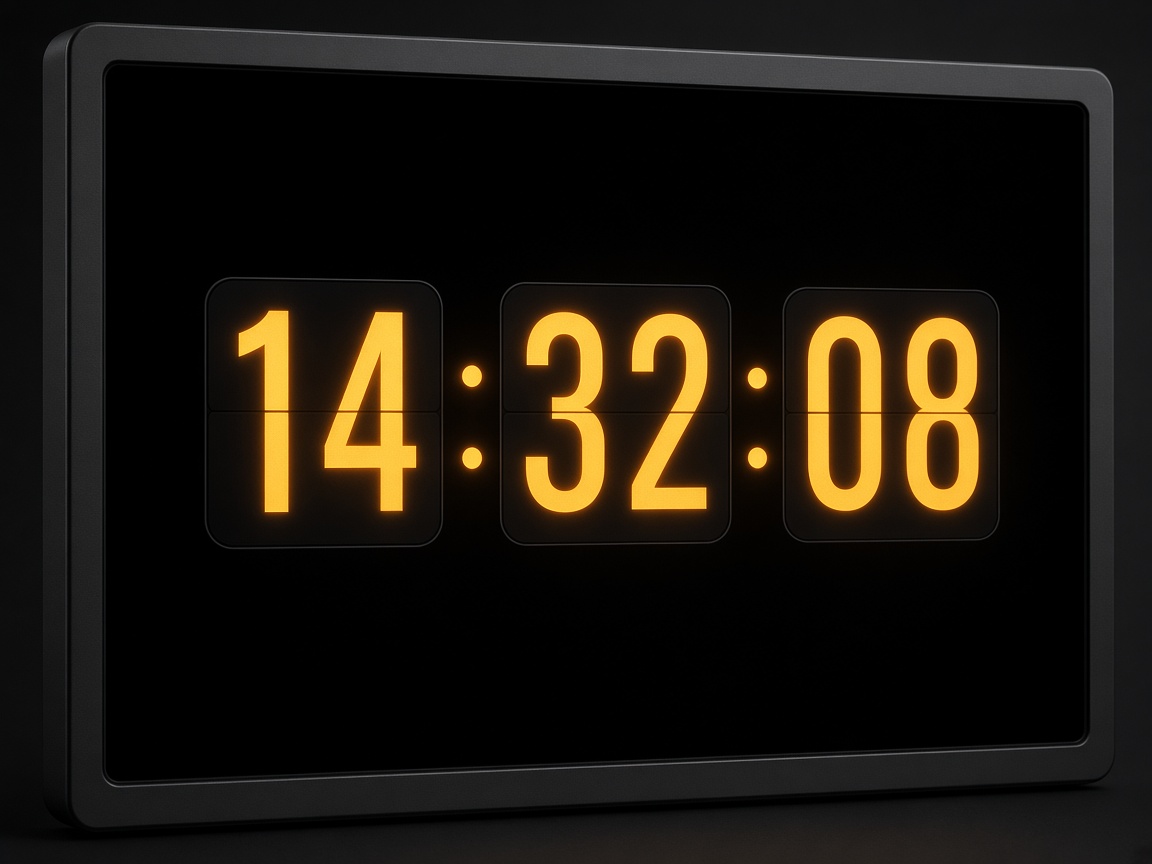
Glanceable time on a side panel. Offline.
Your folder. Best on the road or without Wi‑Fi.
Classic Windows motion or total panel silence.
You do not need a different scene on every monitor. Start with one and leave the rest black or off.
First steps
Features and pricing are on the Microsoft Store page. Here is the recommended order for day one.
From the Store. Close settings to the tray so idle watching continues.
If Windows still runs its own, they will fight for the displays. One owner of idle.
Enable Advanced mode (seconds), assign a scene to the secondary, confirm without waiting minutes.
When it looks right, switch back to minutes. Free covers two monitors; Pro when the desk grows.
Useful questions
Usually: built-in saver still on, timeout too high, or that monitor set to None. Preview proves the scene instantly.
Remote when you want variety with on-screen credit and can cache. Local when you travel or need full control of the files.
Three or more displays, exceptions so a video or presentation is not interrupted, or one extended saver across the virtual desktop.
Microsoft Store (9NG54Q5V47GM): description, screenshots, Free/Pro pricing, and package privacy. This site guides usage; the Store closes the purchase.
Next step
If you already have the app, use this page for scene ideas or to review the setup.
Published by RGCSOFTNET · Not affiliated with Microsoft Corporation.